Payroll Tax Setup Redesign
TL;DR
UX Designer
2 Devs · 2 HR · 2 Finance
Figma
Under NDA.
Project details have been withheld or altered. Design work, reasoning, and screens shown are my own.
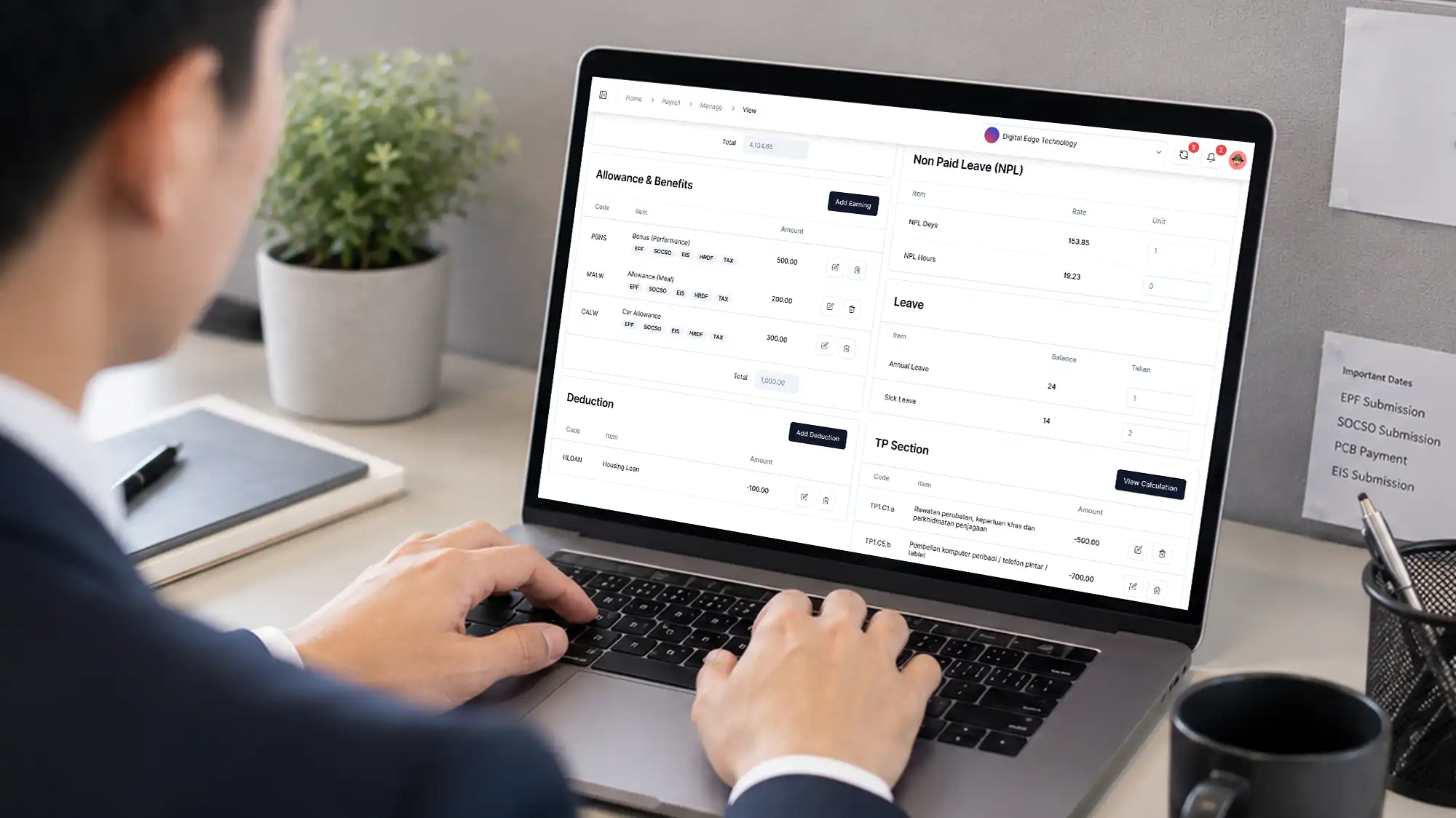
The setup didn't belong in the flow
HR teams had a frustration: every payroll run meant digging into the payroll module, finding buried tax settings, and repeating the same steps for each employee, every month. It was slow, error‑prone, and accepted as “just how the system worked.”
When analyzed, the real issue became clear: the payroll module was carrying two very different job
One-time employee configuration
Recurring monthly execution
and mixing them made both harder.
What changed my initial assumption
At first, I thought the fix was navigation — clearer menus, better labels. But walking through the process with HR revealed something deeper: tax setup didn’t belong in there at all.
Things like tax details, past employment data, and personal info were one‑time setup tasks that should be completed during onboarding — not repeated every payroll run. HR knew the pain, but not where the boundary should be. I identified that line, separating setup from execution, which made payroll faster, cleaner, and less risky.
The principle
Payroll should contain what changes run to run. The employee profile should contain what persists. Mixing them forces users to re-enter a workflow context.
A disagreement worth having
My case
If a setting is configured once but referenced many times, putting it inside the feature that references it creates false repetition. Every payroll run would force HR back into payroll just to check setup data that hadn't changed.
We reached a partial resolution.
Tax configuration moved to the employee profile, and payroll was scoped to execution only. The tax form itself was a compromise. I'd redesigned the layout, but the dev team kept the previous form UI. The placement was mine; the form treatment was theirs.
What I built across 7 iterations
Tax configuration and related employee data moved into the employee profile as a one-time setup, including new fields the system didn't have yet.
Payroll was stripped back to execution only, just the inputs that vary by pay period.
The prototype was tested, then validated against the live build with three HR users.
What changed
−4
Redundant steps removed from the payroll run workflow
50%
Reduction in task completion time, measured in usability testing
3 min
Saved per employee per payroll run
At 100 employees, that's 5 hours recovered every cycle — and it scales with headcount.
"Yeah, this is what I want. It's easier this way."
HR stakeholder, on first seeing the prototype
The flow is live. The UI was not fully implemented in the final build, but the structural decision which are setup in profile, execution in payroll was adopted.
What I'd do differently
I'd prototype in code instead of Figma. The fidelity gap slowed the handoff and made interaction behaviour harder to test. Given the chance again, I'd push for a coded prototype earlier to shorten iteration and reduce ambiguity at handoff.